

Create your ad images and videos with AI
Upload a photo of your product or describe what you want. The image or video is ready within minutes and goes straight into your ad.
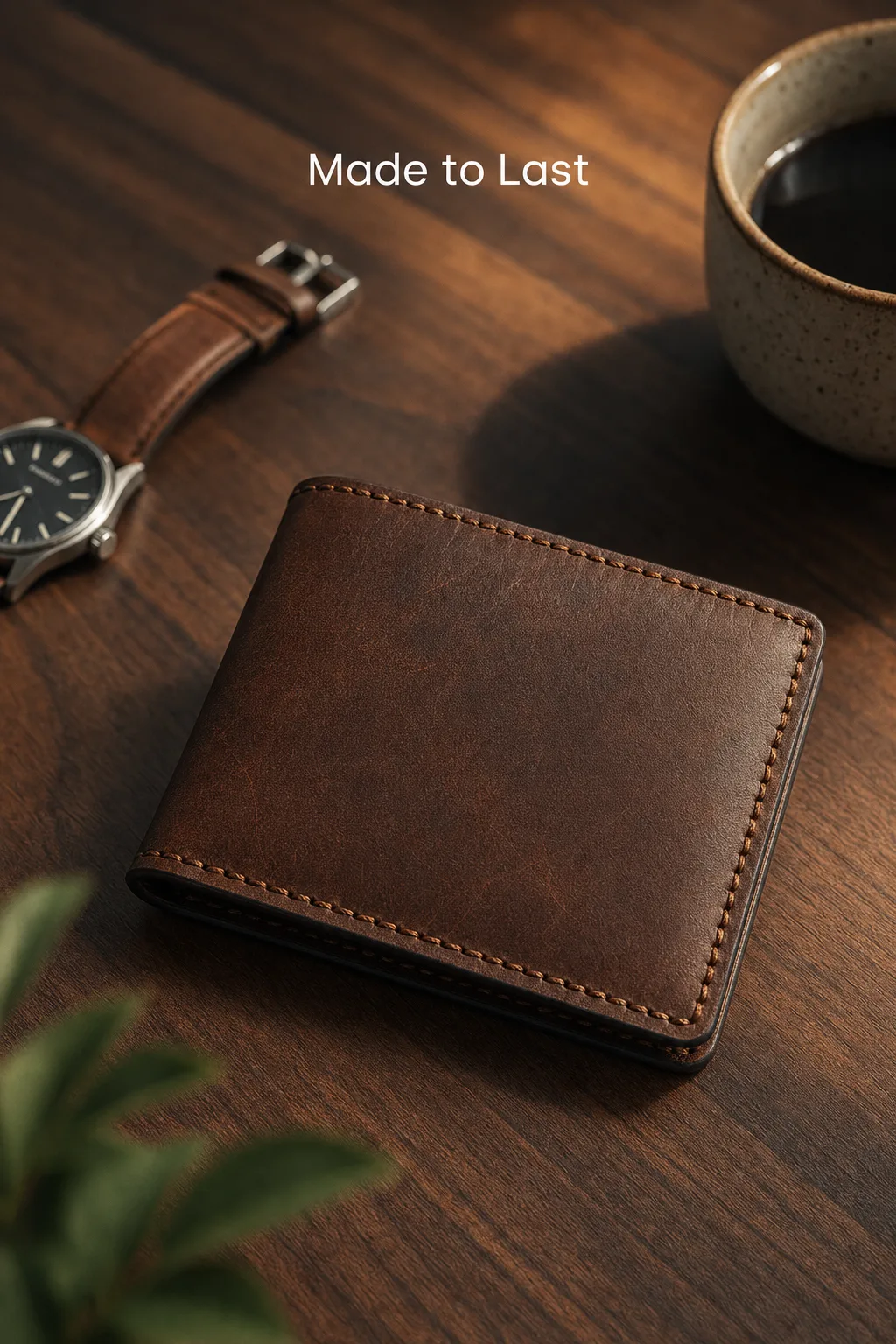
Image
Product shots, lifestyle scenes, campaign posters or catalog images. Portrait, square and landscape ratios; several options in one go.
- Your product's shape and label are kept
- Ratios that fit ad placements
- Regenerate what you do not like
Video
Short vertical videos for product demos, unboxing or how-to. Start from a scene-by-scene storyboard if you prefer.
- Vertical format for Reels and Stories
- From photo to video
- Scene-by-scene storyboard approval
How it works
- 01
Add your product
Upload a photo or describe your product in a few sentences.
- 02
Pick a ready prompt
Choose a scene from categories such as e-commerce, food, fashion or apps, or write your own.
- 03
Generate and choose
Save the options you like and regenerate the rest.
- 04
Use it in your ad
The image or video is added to your media library and can be selected in your ad.
What it is good for
- Catalog images without a product photo shoot
- Posters for seasons and campaigns
- A/B test creatives of the same product in different scenes
- Short promo videos for social media
- Screen scenes for apps and software
- Food and venue shots
Good to know
Generations use the tokens included in your plan; images and videos use different amounts. AI output is not always perfect: check that your product looks right before publishing.
Your first ad is free
Enter your website address and Adsaify drafts your ad. Trying it costs you nothing.