Ads that bring enrolment requests to your driving school
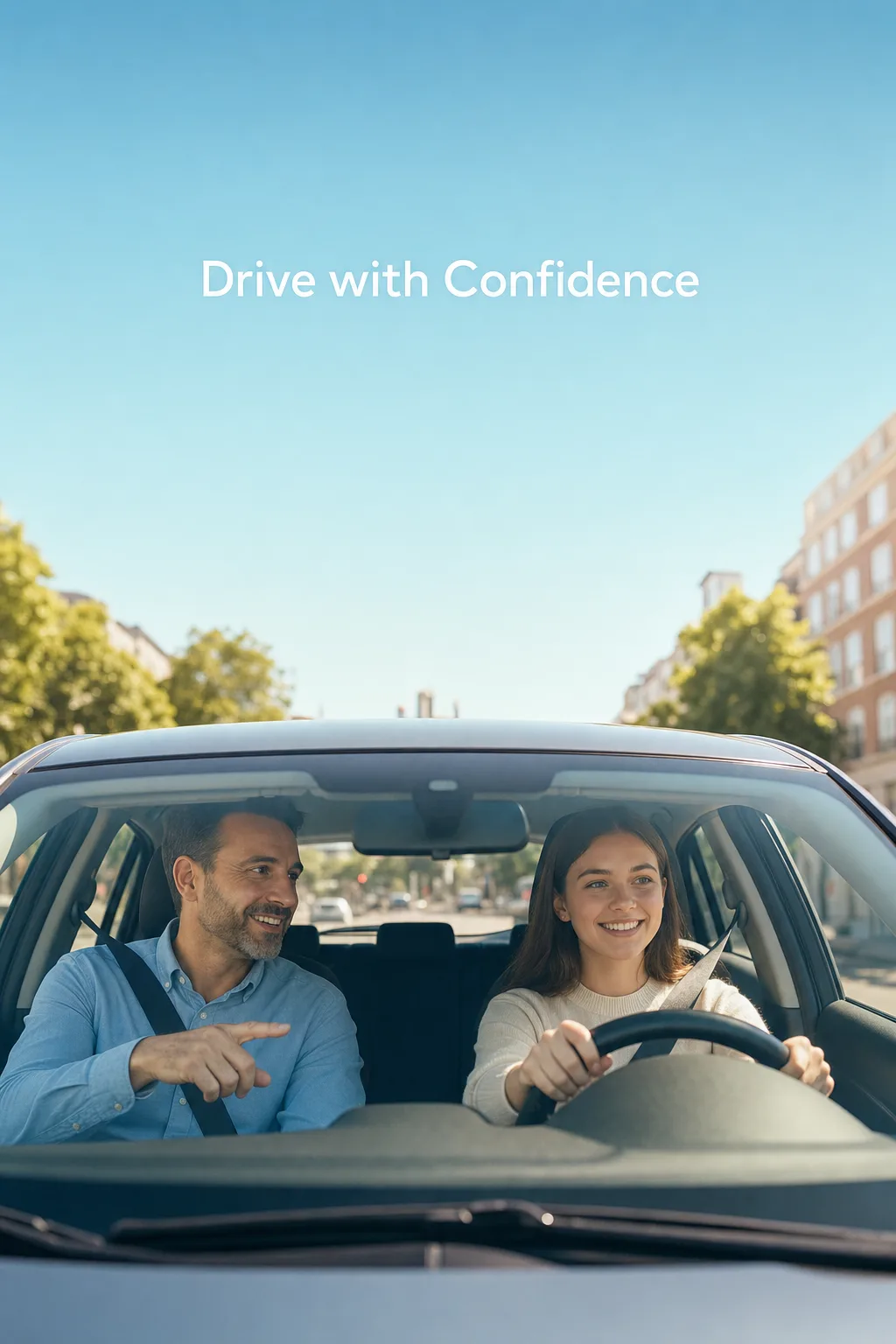
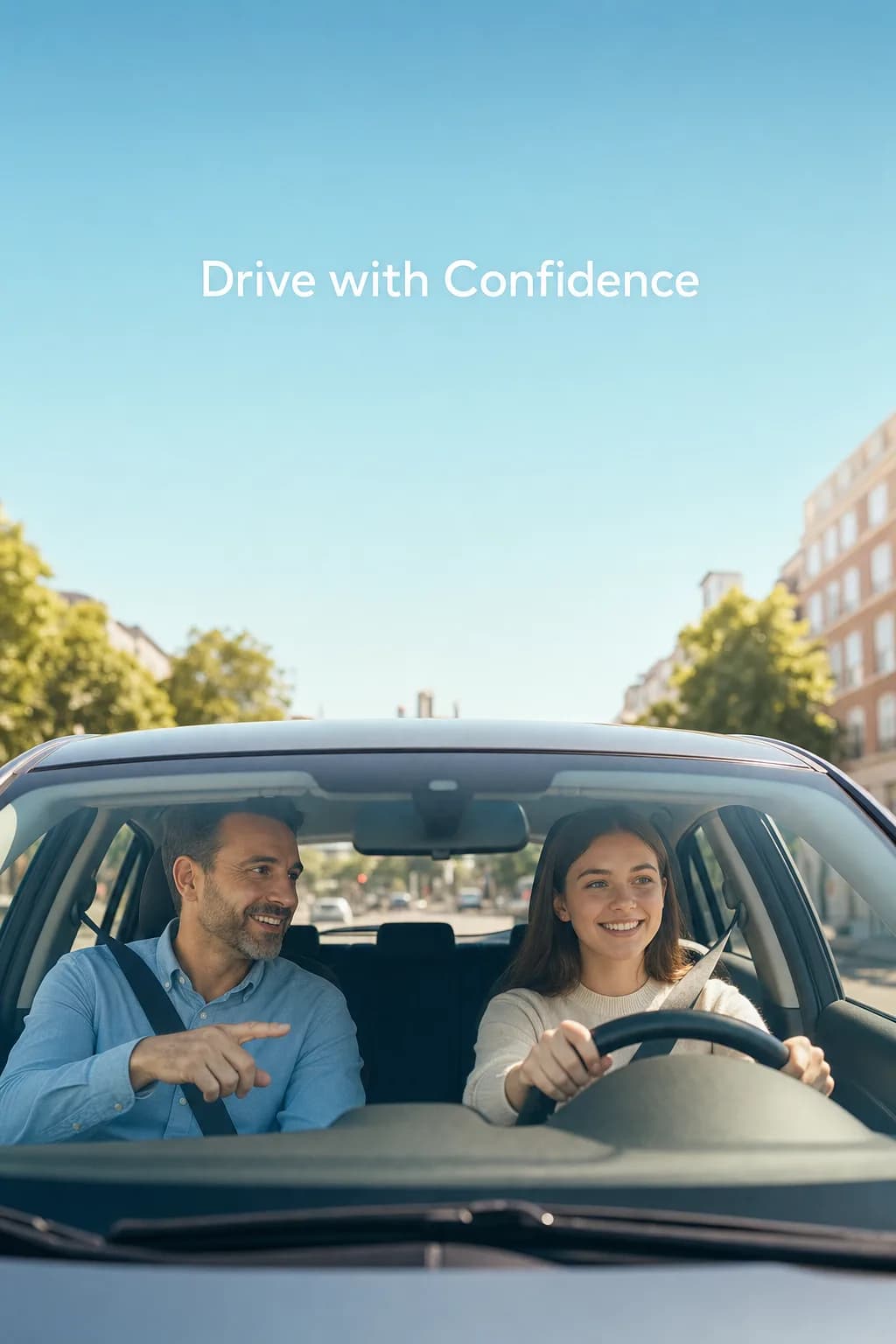
Show new-term enrolment and driving lessons to people of licence age in your city; those interested message you.
The ad for this job, in short
Enrolment windows are short; the ad must reach the right people in those days, and there is no time to spend on setup.
- The age range is set for people who can get a licence, and the location for the school's city.
- Firm promises such as a guaranteed first-time pass can get an ad rejected.
- The ad library has a ready ad for driving schools that can be used as a guide.
Alternative: Lead (instant form) ad · A Meta form that opens inside the ad
Ad types you can use
Each ad type works towards a different result. Which one you choose depends on what you want people to do after the ad.
For talking directly with people who want a booking, a price or information.
For collecting details such as name and phone to call back later; no website needed.
For introducing your Instagram profile to new people and gaining followers.
For showing a well-liked Instagram post to more people.
What should be ready before you start?
A website is not required. The items below are enough, and anything missing can be completed during setup.
A Facebook Page
Ads run in the name of a Page. If you do not have one, it takes a few minutes to create.
An Instagram business account
A personal account is switched to a business account for free in settings and linked to the Page.
An ad account and payment method
The ad budget is paid to Meta with the card on this account.
An image or a video
Your own shot, an existing post, or an image you generate with AI.
Someone to reply
With message and form ads, the outcome depends on how quickly you answer enquiries.
A daily budget
The amount you want to spend per day. Adsaify suggests one; you make the final call.
How it is solved with Adsaify
Adsaify prepares the draft, you make the call, and the ad runs in your own Meta account.
- Step 1
Connect your Meta account
You approve on Meta's own screen and choose the Page, Instagram account and ad account to use. The ad runs in your own account.
- Step 2
Describe your business
Write a short description of the school and the term, or use the ready driving school ad from the ad library as a guide.
- Step 3
Choose the creative
Upload your own photo or video, pick an existing Instagram post, or generate a new image with AI.
- Step 4
Review, publish and follow
Change the audience, copy and daily budget as you like. Nothing is published without your approval; you follow results on the Projects page.
See your draft in a few minutes
Create an account, connect Meta and enter your address. If you do not like the draft, you do not publish; the first ad is free.
Ready ads you can use as a guide
Examples from the ad library. Pressing Use creates a draft with the same ad type, audience, interests and copy; you add your own address and creative.

The difference between manual setup and Adsaify
The same ad can be set up either way. The difference is which jobs are left to you.
You pick the objective and conversion location yourself in Ads Manager.
Messages, a form or profile visits: you say the result you want and the setup follows.
You search for and add age, location and interests one by one.
An audience is suggested for your business; interests are verified against Meta's list.
You write the headline and text from an empty box.
Up to 5 headlines and 5 texts per ad set arrive as a draft; you edit what you like.
You prepare the creative in a separate tool and upload it.
You upload, select an existing Instagram post or generate one with AI.
Videos generated with AI
Examples from our ready video templates. Pick one, add your product image and get your ad video in the same style.
Ad Power Tailored for You
No free plan, but a free result: publish your first ad free and pick a plan only if you want to keep going. Sign up and get 1 ad analysis and 2 AI image tokens.
Starter
Pro Plan
Frequently Asked Questions
The most frequently asked questions about your industry and Adsaify solutions.

Keep reading on this topic
Getting customers with message, call and lead form ads for clinics, restaurants, real estate offices, courses and salons, including ads without a website and local targeting.
Read the guideGuide · 8 min read2. Which Ad Type Should You Choose? Sales, Traffic, Message and Lead AdsWhat sales, traffic, message, lead, app and awareness ads are for, and which one fits which business. A decision guide with examples.
Read the guideGuide · 6 min read3. How to Choose Your Ad Audience: Location, Age and InterestsHow to set location, age, gender and interest targeting, when to go broad, and what happens when an audience is too narrow or too wide.
Read the guide


Publish Your First Ad Free
Paste your link and let AI build your ad. Like it? Publish it to Meta in one click. No credit card required.