How much do Instagram and Facebook ads cost?
There is no fixed price list. You set the daily budget and Meta tries to get as many results as it can with it. Use the tool below to work out your budget from your goal.
The calculation runs in your browser; the values you enter are not sent anywhere.
What it does, in short
"How much is an ad?" has no single answer: the price is not a list price, it is formed by an auction and by the budget you set.
- What affects cost most: the audience and country, the season (competition rises in busy shopping periods), how engaging the ad is, and the ad type you choose.
- Meta applies a minimum daily budget that depends on currency and ad type, and shows it during setup.
- The "average cost per click" figures found online vary widely by industry and country; you only learn your own cost once the ad is running.
How it is solved with Adsaify
Adsaify prepares the draft, you make the call, and the ad runs in your own Meta account.
- Step 1
Set your goal
Decide how many sales, messages or leads you want per month and what you can pay for one.
- Step 2
Calculate the budget
Multiply the two and divide by the number of days. Adsaify also suggests a daily budget in the campaign draft.
- Step 3
Start small
Begin with one campaign and one goal; do not decide before a few days of data have come in.
- Step 4
Protect with a rule
With an automation rule, an ad whose cost per result exceeds your amount can be paused automatically.
The difference between manual setup and Adsaify
The same ad can be set up either way. The difference is which jobs are left to you.
You need to learn the objectives, conversion locations and placements in Ads Manager.
You enter your website address or describe your business, and a draft is prepared.
You build the audience and the copy from scratch.
Audience, interests, headlines and copy arrive as suggestions.
You use separate design and video tools.
You generate with AI in the same place, or upload your own file.
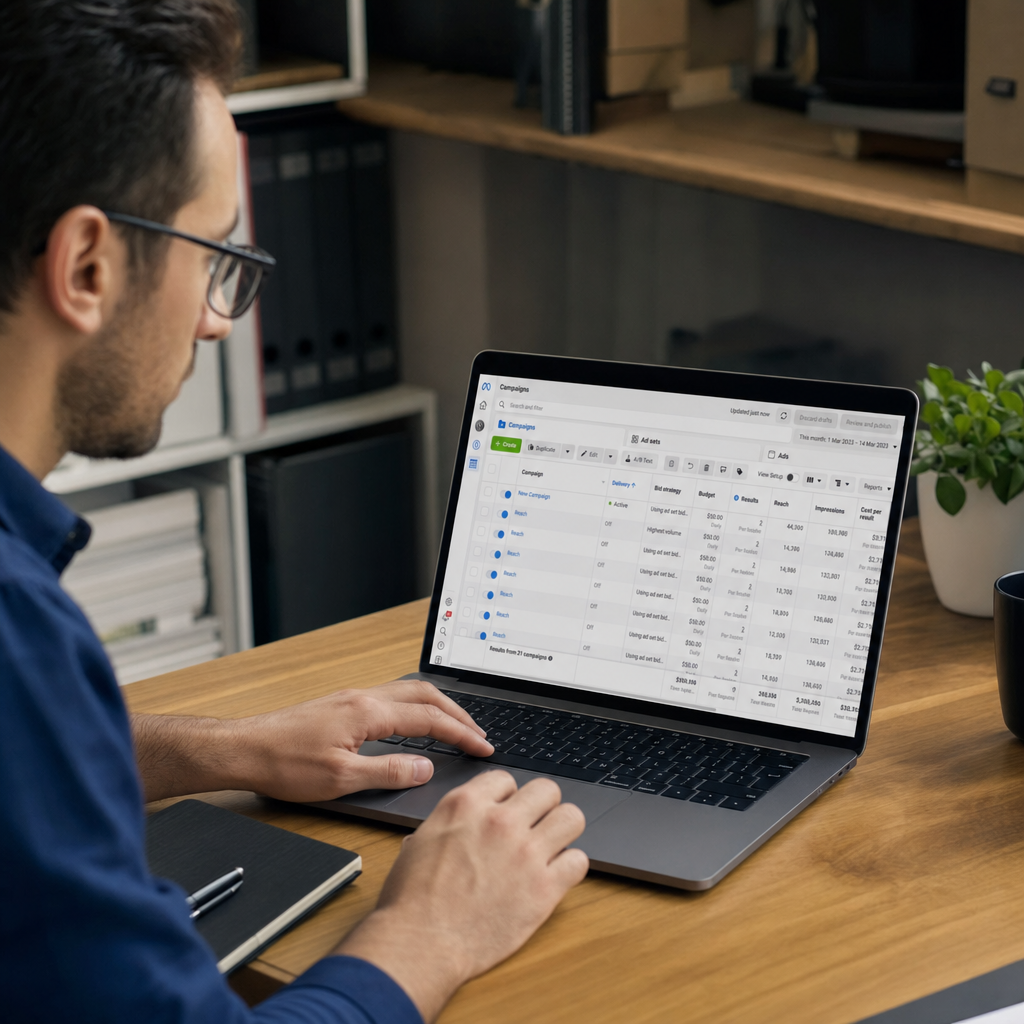
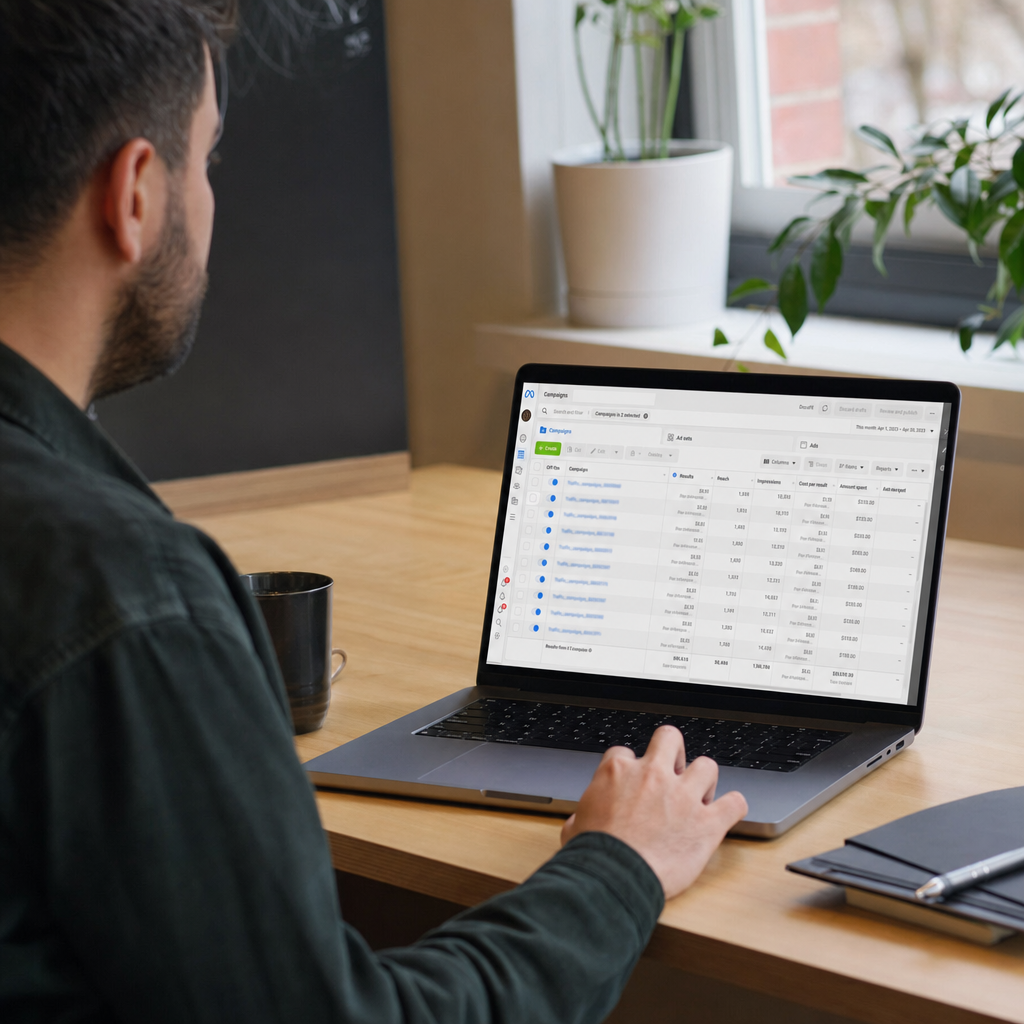
You look for results across tables and make changes by hand.
Results are shown by ad type, and rules act on your behalf.
See your draft in a few minutes
Create an account, connect Meta and enter your address. If you do not like the draft, you do not publish; the first ad is free.
Ad types you can use
Each ad type works towards a different result. Which one you choose depends on what you want people to do after the ad.
For getting purchases on your own site; Meta shows the ad to people likely to buy.
For bringing visitors to pages where you cannot install the Pixel, such as marketplaces.
For talking directly with people who want a booking, a price or information.
For collecting details such as name and phone to call back later; no website needed.
For getting installs of your iOS or Android app.
For showing your brand to as many people as the budget allows.
Let AI create the image and the video
The examples below were generated with the ready prompts in Adsaify. You pick a prompt and add your own product photo; videos can also use a scene-by-scene storyboard.










Ready ads you can use as a guide
Examples from the ad library. Pressing Use creates a draft with the same ad type, audience, interests and copy; you add your own address and creative.





Which metrics matter in the results?
The metrics you will meet once the ad is live, and what they mean.
- CPMCost per 1,000 impressions
- What you pay for the ad to be shown a thousand times. It varies with audience and competition.
- CTRClick-through rate
- The share of viewers who click. It shows whether the creative and copy attract interest.
- CPCCost per click
- The average amount paid for one click.
- Cost per resultThe cost of one result
- The cost of one message, lead, install or sale, depending on the ad type. This is the metric to watch.
- ROASReturn on ad spend
- Sales revenue from ads divided by ad spend. Measured only for sales ads, with the Pixel.
- FrequencyImpressions per person
- How many times one person saw the ad on average. As it rises, the audience starts to tire of the ad.
Ad Power Tailored for You
Explore our packages ranging from a single URL analysis to fully automated Meta ads. Plus, free registration comes with 2 AI Image Tokens and 1 Free Ad Analysis!
Starter
Pro Plan
Frequently Asked Questions
The most frequently asked questions about your industry and Adsaify solutions.

Keep reading on this topic
How to decide an ad budget, daily versus lifetime budgets, the learning phase, raising the budget and advertising with a small budget.
Read the guideGuide · 5 min read2. How to Read Ad Results: CPM, CTR, Cost per Result and ROASWhat CPM, CPC, CTR, cost per result and ROAS mean, when to judge an ad, and what to change first when it underperforms.
Read the guideGuide · 8 min read3. Which Ad Type Should You Choose? Sales, Traffic, Message and Lead AdsWhat sales, traffic, message, lead, app and awareness ads are for, and which one fits which business. A decision guide with examples.
Read the guide
Don't Waste Time, Start with Analysis
Discover your site's advertising potential in just 60 seconds and look your best on Meta.