An Easier Way than Meta Ads Manager
Ads Manager is Meta's own tool: it is free and gives access to every setting. Adsaify does not replace it but builds on it: it prepares the draft, audience, copy and creative, and publishes the ad in the same Meta account.
Comparison: Adsaify vs Meta Ads Manager
Adsaify or Meta Ads Manager?
Meta Ads Manager is the official tool for managing Facebook and Instagram ads. It is free; every objective, placement, bidding setting, automated rule and report is reached from there. With Advantage+ features it also offers some creative and text suggestions.
That breadth is demanding for a business owner without advertising experience: a wrong objective or budget setting can waste money.
Adsaify works in the same ad account and shortens setup: it drafts the campaign, audience and copy from your website address, generates images and video, and publishes with your approval. Not every Ads Manager setting exists in Adsaify; when you need fine control you can open the ad in Ads Manager and edit it.
"Ads Manager offers every setting. Adsaify prepares the settings you need."
Why Adsaify vs Others?
The same ad can be prepared three ways. Adsaify brings the draft, copy, creative and publishing into one flow.
Your Ad Panel in a Whole New Dimension
Meet a sleek interface where you focus only on results instead of the complex Ads Manager.
The difference between manual setup and Adsaify
The same ad can be set up either way. The difference is which jobs are left to you.
You need to learn the objectives, conversion locations and placements in Ads Manager.
You enter your website address or describe your business, and a draft is prepared.
You build the audience and the copy from scratch.
Audience, interests, headlines and copy arrive as suggestions.
You use separate design and video tools.
You generate with AI in the same place, or upload your own file.
You look for results across tables and make changes by hand.
Results are shown by ad type, and rules act on your behalf.
Ad types you can use
Each ad type works towards a different result. Which one you choose depends on what you want people to do after the ad.
For getting purchases on your own site; Meta shows the ad to people likely to buy.
For bringing visitors to pages where you cannot install the Pixel, such as marketplaces.
For talking directly with people who want a booking, a price or information.
For collecting details such as name and phone to call back later; no website needed.
For getting installs of your iOS or Android app.
For showing your brand to as many people as the budget allows.
See your draft in a few minutes
Create an account, connect Meta and enter your address. If you do not like the draft, you do not publish; the first ad is free.
Ready ads you can use as a guide
Examples from the ad library. Pressing Use creates a draft with the same ad type, audience, interests and copy; you add your own address and creative.



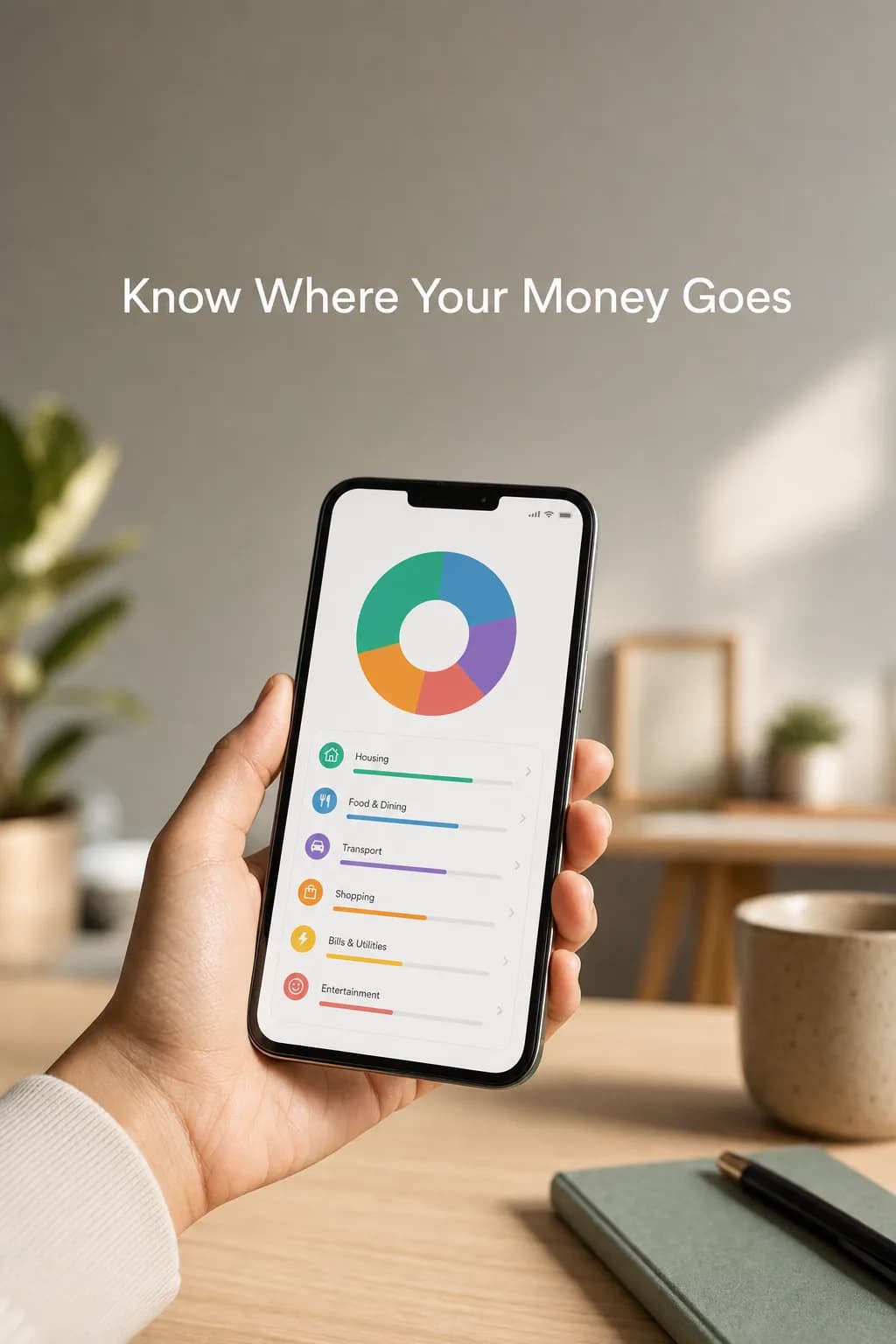
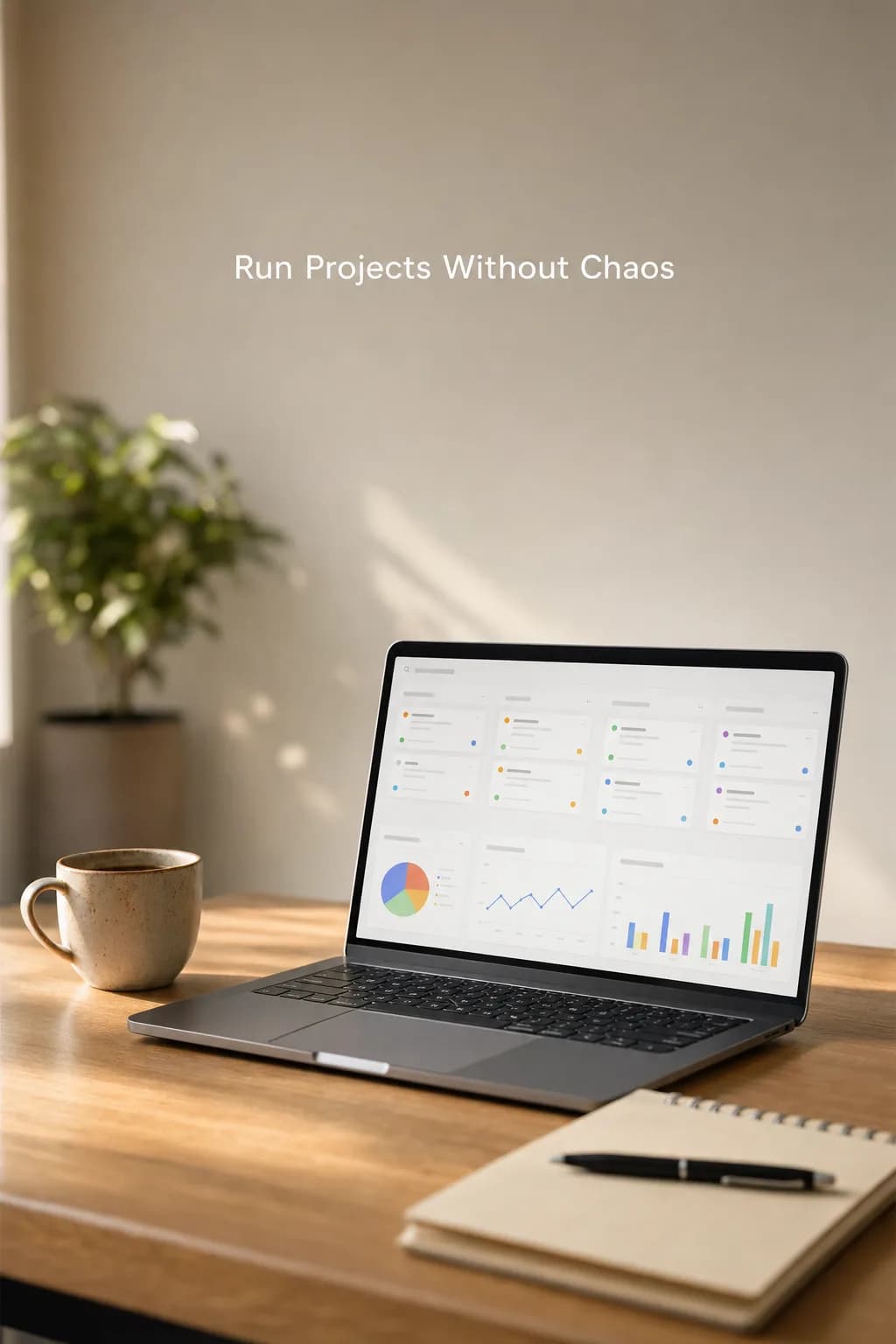
Videos generated with AI
Examples from our ready video templates. Pick one, add your product image and get your ad video in the same style.
Keep reading on this topic
Using Adsaify end to end: Meta connection, campaigns from a website, Quick Setup, the ad library, automation rules, result tracking and plans.
Read the guideGuide · 8 min read2. Which Ad Type Should You Choose? Sales, Traffic, Message and Lead AdsWhat sales, traffic, message, lead, app and awareness ads are for, and which one fits which business. A decision guide with examples.
Read the guideGuide · 6 min read3. How to Start Advertising on Facebook and InstagramEvery step from a Facebook Page, an ad account and the Instagram connection to publishing a first ad, with common first-ad mistakes and setup in Adsaify.
Read the guide


Ad Power Tailored for You
No free plan, but a free result: publish your first ad free and pick a plan only if you want to keep going. Sign up and get 1 ad analysis and 2 AI image tokens.
Starter
Pro Plan
Frequently Asked Questions
The most frequently asked questions about your industry and Adsaify solutions.

Contact Us
Need more info on scaling your ads with AI? Our team is by your side.
Publish Your First Ad Free
Paste your link and let AI build your ad. Like it? Publish it to Meta in one click. No credit card required.