Run Facebook ads easily across six ad types
Sales, traffic, engagement, leads, app promotion and awareness. Choose your goal and Adsaify drafts the rest of the setup.
What it does, in short
Meta Ads Manager is powerful but crowded: objectives, conversion locations, placements and bidding are easy to get wrong for a beginner.
- Facebook and Instagram ads run from the same Meta ad account; one campaign can appear on both.
- The ad budget is paid separately to Meta with the payment method on your ad account.
- Every ad is reviewed by Meta before it runs.
How it is solved with Adsaify
Adsaify prepares the draft, you make the call, and the ad runs in your own Meta account.
- Step 1
Connect your Meta account
You approve on Meta's own screen and choose the Page, Instagram account and ad account to use. The ad runs in your own account.
- Step 2
Choose your goal
Sales, messages or a form? Choose the ad type and Adsaify prepares a campaign that follows that type's rules.
- Step 3
Complete the draft and creative
Review the audience and copy; add an image or video, or generate one with AI.
- Step 4
Review, publish and follow
Change the audience, copy and daily budget as you like. Nothing is published without your approval; you follow results on the Projects page.
The difference between manual setup and Adsaify
The same ad can be set up either way. The difference is which jobs are left to you.
You need to learn the objectives, conversion locations and placements in Ads Manager.
You enter your website address or describe your business, and a draft is prepared.
You build the audience and the copy from scratch.
Audience, interests, headlines and copy arrive as suggestions.
You use separate design and video tools.
You generate with AI in the same place, or upload your own file.
You look for results across tables and make changes by hand.
Results are shown by ad type, and rules act on your behalf.
See your draft in a few minutes
Create an account, connect Meta and enter your address. The first analysis is free; if you do not like the draft, you do not publish.
Ad types you can use
Each ad type works towards a different result. Which one you choose depends on what you want people to do after the ad.
For getting purchases on your own site; Meta shows the ad to people likely to buy.
For bringing visitors to pages where you cannot install the Pixel, such as marketplaces.
For talking directly with people who want a booking, a price or information.
For collecting details such as name and phone to call back later; no website needed.
For getting installs of your iOS or Android app.
For showing your brand to as many people as the budget allows.
Videos generated with AI
Examples from our ready video templates. Pick one, add your product image and get your ad video in the same style.
Ready ads you can use as a guide
Examples from the ad library. Pressing Use creates a draft with the same ad type, audience, interests and copy; you add your own address and creative.




Which metrics matter in the results?
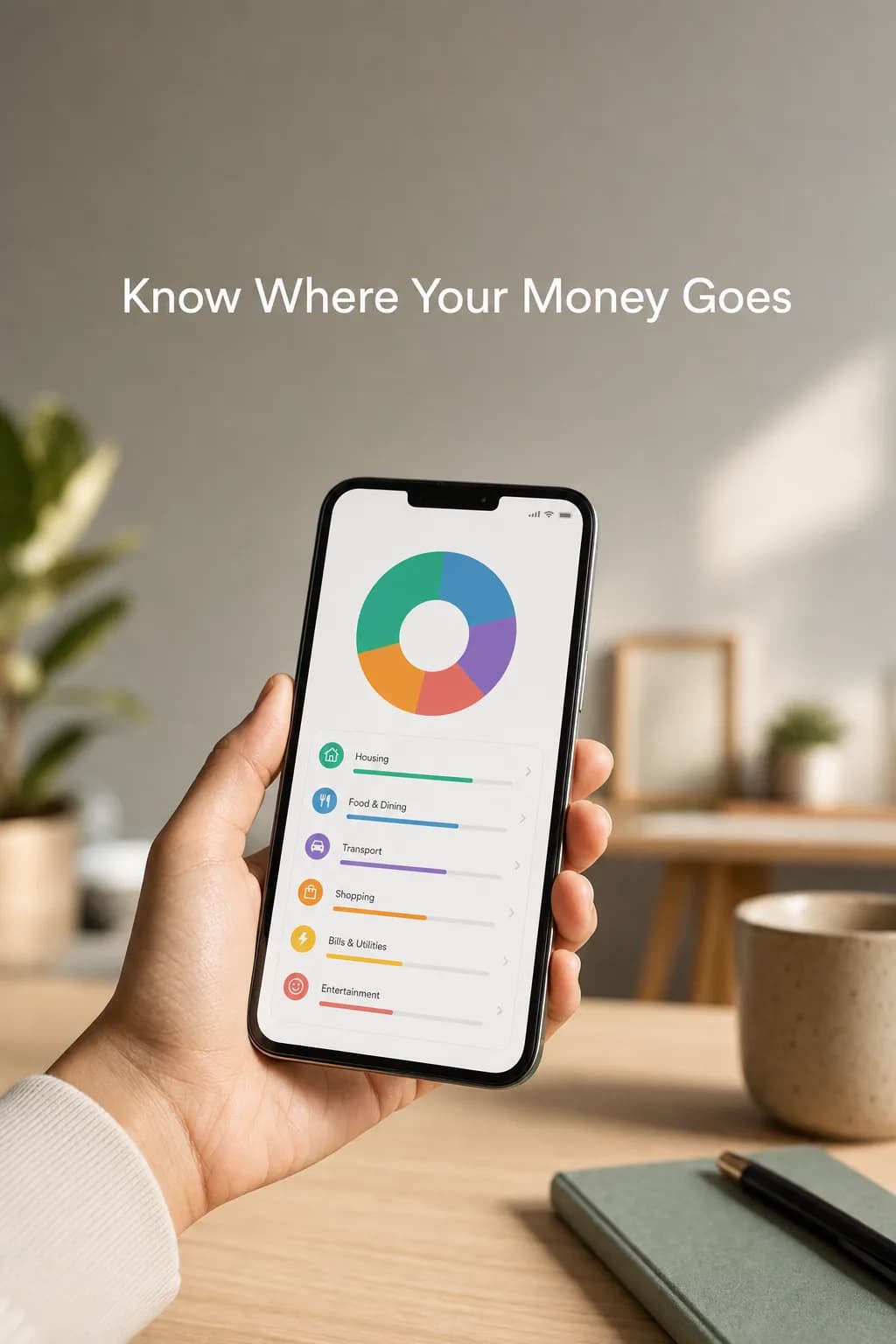
The metrics you will meet once the ad is live, and what they mean.
- CPMCost per 1,000 impressions
- What you pay for the ad to be shown a thousand times. It varies with audience and competition.
- CTRClick-through rate
- The share of viewers who click. It shows whether the creative and copy attract interest.
- CPCCost per click
- The average amount paid for one click.
- Cost per resultThe cost of one result
- The cost of one message, lead, install or sale, depending on the ad type. This is the metric to watch.
- ROASReturn on ad spend
- Sales revenue from ads divided by ad spend. Measured only for sales ads, with the Pixel.
- FrequencyImpressions per person
- How many times one person saw the ad on average. As it rises, the audience starts to tire of the ad.
Ad Power Tailored for You
Your first analysis is free: let AI analyze your site, see the ad it builds, and pick the plan that fits when you are ready to publish. Sign up and get 1 ad analysis and 2 AI image tokens.
Starter
Pro Plan
Enterprise
Frequently Asked Questions
The most frequently asked questions about your industry and Adsaify solutions.

Keep reading on this topic
Every step from a Facebook Page, an ad account and the Instagram connection to publishing a first ad, with common first-ad mistakes and setup in Adsaify.
Read the guideGuide · 8 min read2. Which Ad Type Should You Choose? Sales, Traffic, Message and Lead AdsWhat sales, traffic, message, lead, app and awareness ads are for, and which one fits which business. A decision guide with examples.
Read the guideGuide · 6 min read3. How Much Should You Spend on Ads? Daily Budget and ScalingHow to decide an ad budget, daily versus lifetime budgets, the learning phase, raising the budget and advertising with a small budget.
Read the guide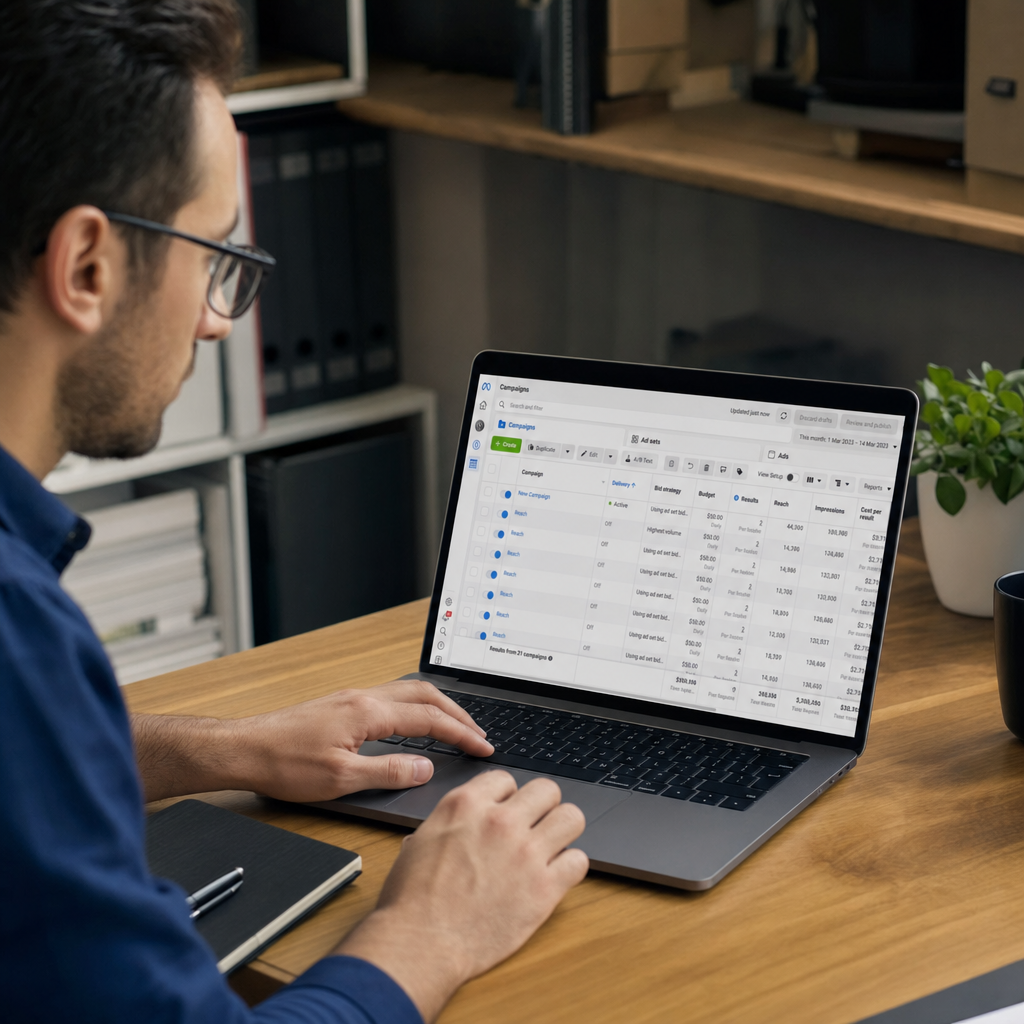

Your First Analysis Is Free
Paste your link and let AI build your ad. Like it? Publish it to Meta in one click. No credit card required.