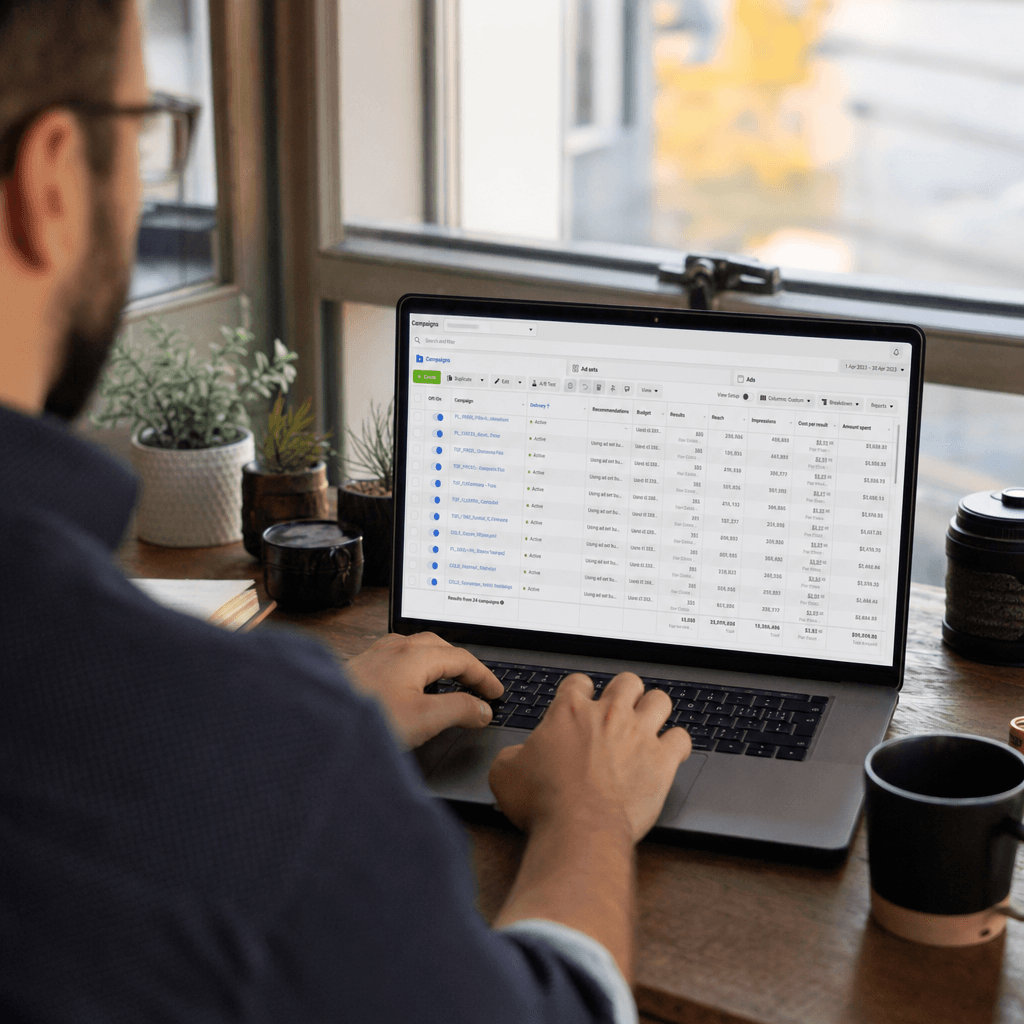
Facebook advertising has become an indispensable part of digital marketing strategies. However, effectively managing an ad budget can pose significant challenges for many businesses. Two different budget management strategies, CBO (Campaign Budget Optimization) and ABO (Ad Set Budget Optimization), play a crucial role in helping businesses achieve their goals. Each of these strategies offers distinct advantages and disadvantages, which can enhance the efficiency of ad spending.
CBO allows for budget adjustments at the campaign level, while ABO provides greater control at the ad set level. By using CBO, you can automatically allocate your budget to the best-performing ad sets. On the other hand, with ABO, you can manually manage the budget of each ad set and reach specific target audiences more carefully. In this article, you will discover how both strategies work, in which situations they yield the best results, and how Adsaify offers a more effective solution in this process.
In the highly competitive digital marketing landscape, using the right tools to account for every penny and maximize conversions is vital. Adsaify helps you stay ahead of your competitors by identifying the most suitable budget management strategies through AI-powered automation solutions. While manual budget management methods can be time-consuming and prone to errors, the automation provided by Adsaify saves time and helps you achieve your high ROAS (Return on Ad Spend) goals.
This article aims to provide critical insights into managing Facebook ad budgets for both novices and experienced digital marketers. By progressing step by step, it will deliver all the information needed to implement CBO and ABO strategies and highlight Adsaify's role in this process.
Step 7: Monitoring and Optimizing Campaign Performance
In Facebook ad budget management, monitoring and optimizing campaign performance is a critical step. This stage is essential for determining which strategies are effective and for utilizing your budget in the most efficient way. Performance monitoring involves data analysis and regular reporting. In this process, you need to continuously review and optimize your ad campaigns according to the established KPIs.
- Determine KPIs: First, identify which performance indicators are important for your campaign. For example, cost per click (CPC) and conversion rate are critical metrics to measure campaign success.
- Data Collection: Start collecting data according to the established KPIs. The Facebook Ads Manager provides detailed reports that show your campaign's performance. By regularly checking this data, you can determine which elements are performing well.
- Analysis and Reporting: Analyze the collected data. Examine which ads generate more conversions, which target audience is more effective, and which content receives more engagement. These analyses help you plan your future campaigns better.
- Optimization: Optimize your campaigns based on the analysis results. Pause underperforming ads and support high-performing ones. Additionally, revisit audience settings and budgets.
- Testing: Continuously conduct A/B tests to measure the impact of different strategies. These tests help you understand which changes enhance performance.
Each of these steps is necessary to improve your campaign performance. Careful monitoring and continuous optimization can enable your ad budget to be used more effectively. Especially using automation tools like Adsaify can further simplify and save time in these processes.
| Stage / Metric | Manual Method | Adsaify AI Automation Method | Efficiency Gain |
|---|---|---|---|
| KPI Determination | KPI's are determined by manual reporting. | AI offers automatic KPI suggestions based on historical data. | 30% faster KPI determination compared to manual methods. |
| Data Collection | Data is collected and analyzed manually. | AI performs real-time data collection and analysis. | 50% time savings in data collection. |
| Analysis and Reporting | Manual reports are prepared. | AI provides instant reports and analyses. | 40% reduction in reporting time. |
| Optimization | Changes are made manually. | AI offers automatic optimization suggestions. | 60% faster optimization process. |
Step 8: Automatic Campaign Setup and Budget Scaling with Adsaify AI
Adsaify AI helps you set up your Facebook ad campaigns automatically and scale your budget. This process speeds up campaign setup while also providing higher efficiency. Adsaify allows users to define their target audiences and budgets. Then, AI algorithms automatically create the most effective campaign settings based on these inputs.
- Define Campaign Objectives: First, determine your campaign objectives. Your goals form the foundation of the automatic campaign setup.
- Identify the Target Audience: Adsaify helps you automatically identify your target audience. You can select your audience based on demographic information, interests, and behaviors.
- Adjust Budget and Scheduling: Define your budget and campaign duration. Adsaify provides recommendations for the best budget allocation based on this information.
- Campaign Setup: Adsaify automatically sets up your campaign according to your defined objectives and budget. Its user-friendly interface allows you to easily make adjustments.
- Performance Monitoring: After the campaign is set up, Adsaify continuously monitors your performance and provides optimization suggestions when necessary. This way, you can increase the effectiveness of your campaign.
The automatic campaign setup with Adsaify AI saves time while enabling you to achieve better results. Intelligent algorithms allow users to manage their campaigns more effectively. As a result, by using Adsaify, you can both speed up campaign setup and utilize your budget more efficiently.
Frequently Asked Questions (FAQ)
1. How does Adsaify AI collect data for my ad campaigns?
Adsaify uses the Facebook Ads API to collect real-time data. This allows you to monitor and analyze the performance of your campaigns instantly. The data collection process is automated according to the KPIs set by the user.
2. How long does the automation process take?
The automation process with Adsaify usually takes just a few minutes. After users define their campaign settings, the AI algorithms automatically execute the necessary steps. This way, campaign setup is completed without any loss of time.
3. What types of campaigns can I create with Adsaify?
Adsaify supports various types of campaigns such as brand awareness, conversion, and traffic increase. Users can choose the campaign type that aligns with their goals and set it up automatically with Adsaify’s AI algorithms.
4. How is the budget adjustment process carried out?
Adsaify recommends the best budget allocation based on the user-defined budget and campaign duration. The AI algorithms automatically make the most effective budget settings based on historical data, increasing the efficiency of your campaigns.
5. How can I monitor campaign performance?
Adsaify allows users to monitor their campaign performance in real-time. With advanced reporting features, you can thoroughly examine the performance of your campaigns. Based on this information, you can receive optimization suggestions when necessary.
6. What is the cost of using Adsaify?
The cost of Adsaify varies based on the needs of the users. With different subscription plans, users can find an option that fits their budget. Users also have the opportunity to experience Adsaify with a free trial period.
7. How can I improve my results using Adsaify AI?
Adsaify helps you increase your results by optimizing your campaigns with its intelligent algorithms. Continuous performance monitoring and suggestion system can enhance the effectiveness of your ads. Additionally, you can conduct A/B tests to experiment with different strategies and achieve the best results.