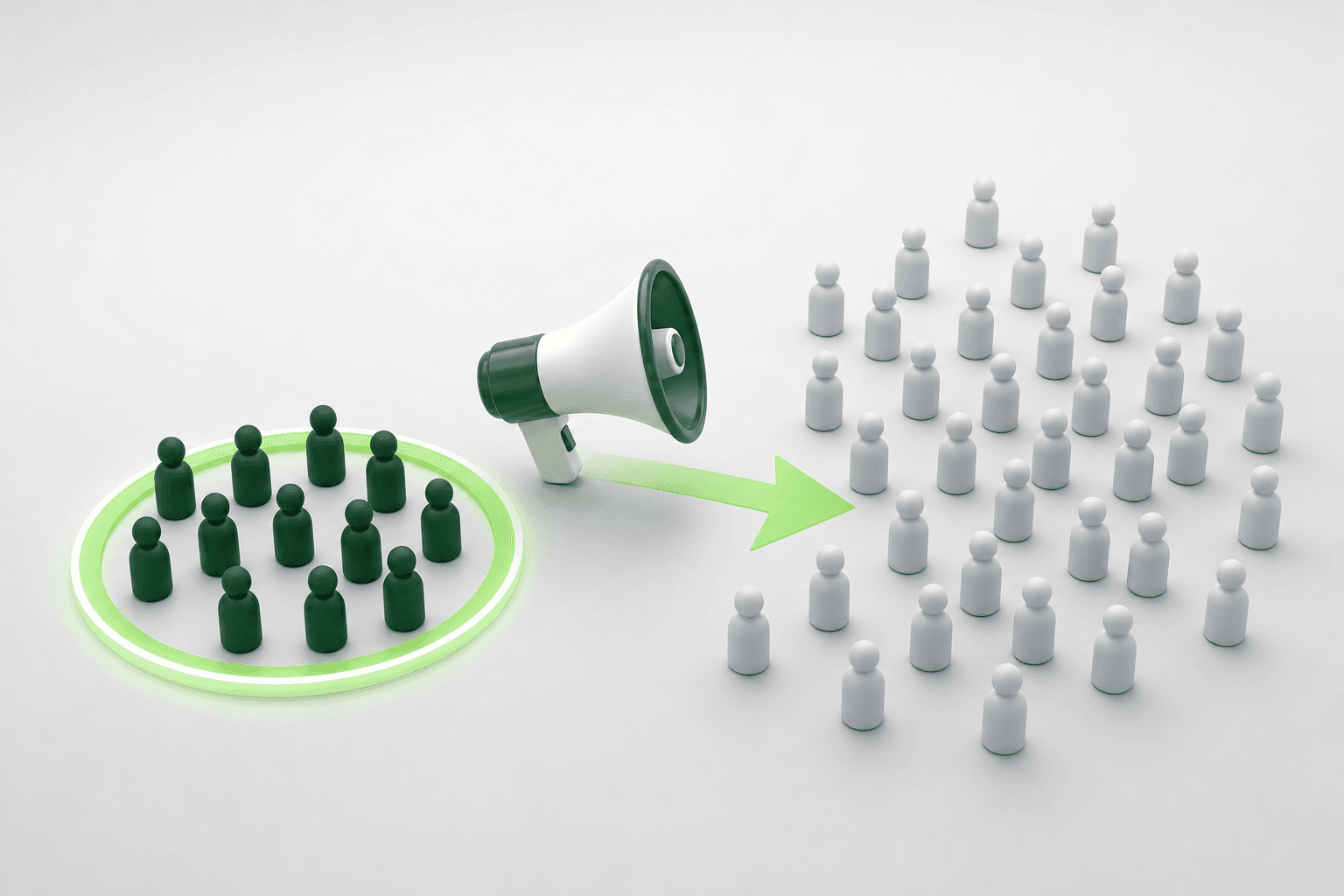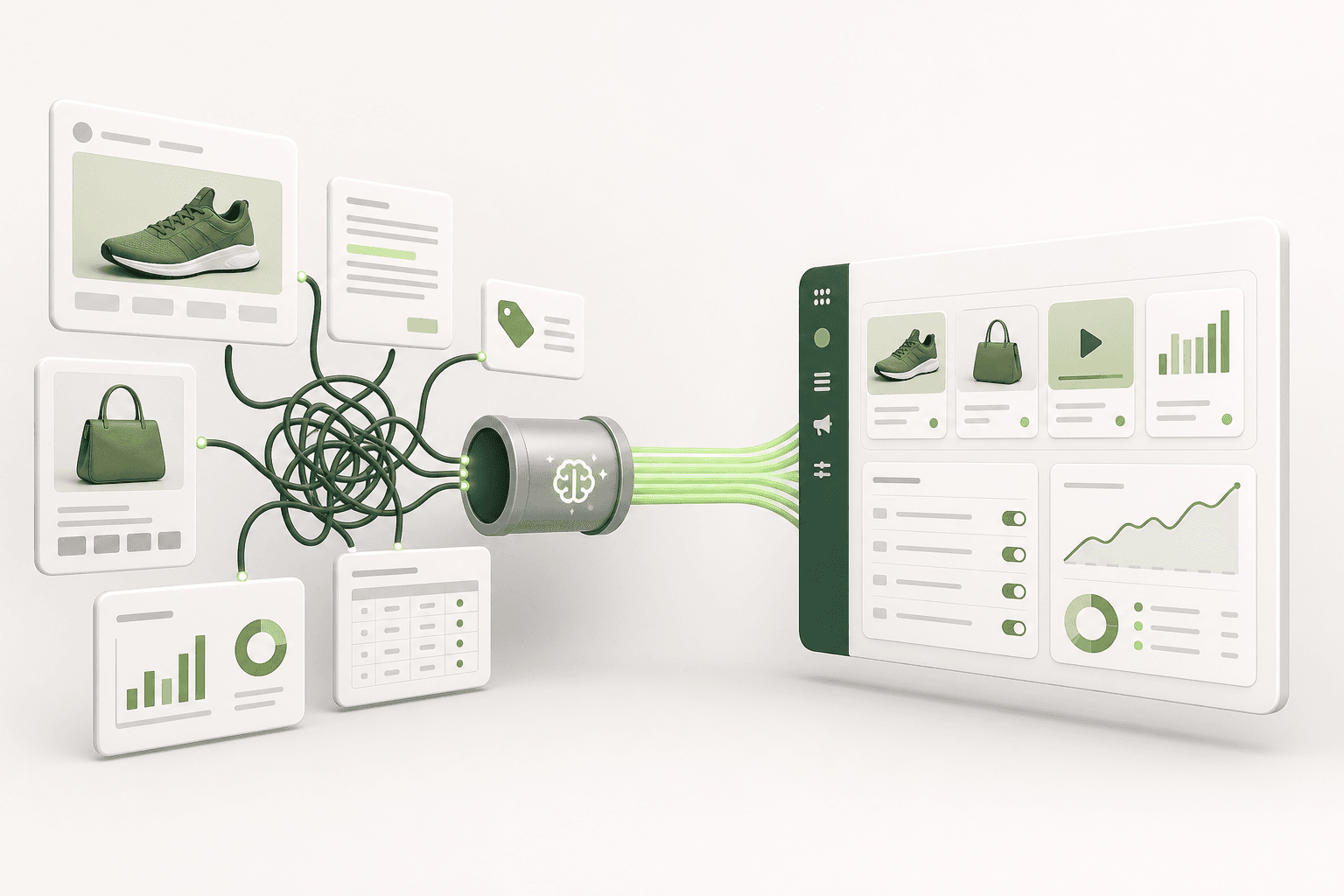

Short answer: AI ad management tools can encounter target audience issues. These problems arise from mis-targeting or changes in audience interests, negatively impacting ad performance.
Every performance marketer has felt the frustration of launching an automated Meta campaign, watching early metrics look promising, and then realizing the incoming leads or purchases are completely wrong for the business. Your cost per acquisition climbs, ad comments come from demographics outside your service area, and the algorithm delivers impressions to low-intent users who never buy. The automated tool claims to handle optimization, yet your qualified sales volume drops while click counts remain deceptively steady.
This breakdown occurs because automated systems often optimize for cheap algorithmic signals, such as link clicks or surface-level engagements, rather than qualified business outcomes. Without strict operational boundaries, these tools drift toward audiences that are inexpensive to reach instead of prospects with genuine purchasing intent. Ignoring this audience mismatch wastes ad spend, corrupts conversion tracking data in your Meta pixel, and degrades overall account efficiency over time.
By following this guide, you will be able to pinpoint exactly where automated targeting breaks down and restore predictable campaign delivery. We examine the core causes of audience drift, outline the essential account checks to complete before intervening, provide a concrete step-by-step implementation to fix targeting parameters, and demonstrate how to verify that your optimizations produced real revenue.
Key Takeaways
- Target audience issues directly impact ad performance.
- Proper targeting increases conversion rates.
- AI optimizes the audience through data analysis.
- If not resolved timely, target audience issues lead to budget loss.
What are target audience issues in AI ad management tools?
Target audience issues in AI ad management tools occur when automated systems direct ad spend to users who do not intend to buy, exhaust narrow interest segments, or fail to adjust to shifting consumer behaviors. These problems lead to declining conversion rates, rising acquisition costs, and wasted marketing spend across Meta campaigns.
Why do low conversion rates happen from automated mis-targeting?
Low conversion rates often happen when automated tools optimize for shallow engagement rather than verified purchase intent. CVR (conversion rate) is the percentage of users who complete a desired action after clicking an ad. Many machine learning systems interpret high click-through rates as success, even if those clicks come from non-buying audiences such as accidental taps or bargain hunters. If an ad account lacks sufficient purchase conversion events, the AI shifts delivery to easier-to-reach users who engage with content but rarely convert, causing the actual CVR in Meta Ads Manager to plummet.
How do shifting interests and competitive pressure alter audience delivery?
Meta audiences are not static pools of buyers; consumer preferences evolve, and auction competition continuously shifts available inventory. CPM (cost per mille) is the cost an advertiser pays for one thousand ad impressions. When seasonal trends change or competitors launch aggressive campaigns in the same vertical, the AI ad tool faces higher bidding friction. Automated systems often respond by broadening ad delivery into adjacent, less relevant demographic clusters to keep CPM low. While this keeps ad impressions moving, it exposes ads to audiences whose interests no longer match the product, accelerating audience fatigue and driving up acquisition costs.
What is a worked example of fixing an audience targeting issue?
Consider an example with an e-commerce brand selling specialized ergonomic desk chairs with a $100 daily budget. An automated tool originally generated a broad audience combining "Office supplies" and "Interior design." Over three weeks, the campaign generated clicks, but the CPA (cost per acquisition is the total ad spend divided by the number of purchases) rose from $35 to $92, while ROAS (return on ad spend is the revenue generated divided by the advertising spend) dropped below 1.2.
To fix this targeting breakdown, the advertiser made specific adjustments directly in Meta Ads Manager:
- Switched the ad set targeting from broad decorative interests to Advantage+ custom audiences seeded with 180-day past purchasers and 60-day cart abandoners.
- Applied an explicit exclusion rule removing all users who purchased in the last 30 days to stop wasting budget on recent buyers.
- Defined an age floor of 25 to 65 to filter out younger students seeking budget chairs rather than premium ergonomic furniture.
After running this revised configuration for fourteen days, the advertiser monitored the Performance and Clicks preset in Meta Ads Manager, observing that CPA settled back to $38 and ROAS recovered to 2.8.
How can I recognize these issues?
You can recognize audience targeting issues by checking Meta Ads Manager for a rising frequency metric paired with declining conversion rates. When frequency climbs above 2.5 on a prospecting campaign while CTR falls and CPA climbs, the tool is exhausting its current audience pool. Additionally, inspect the Breakdown menu by placement, age, and region; if ad spend concentrates on demographics that yield zero purchases, your automated tool is mis-targeting ad delivery.
Why do these issues occur?
Target audience issues occur in AI ad management tools because algorithms rely on historical conversion signals, which often miss rapid market changes, lack contextual buyer psychology, and suffer from poor data segmentation. Without deep business inputs and proper exclusion parameters, AI systems chase easy engagements rather than high-intent customers in Meta auctions.
How does insufficient data segmentation cause audience failure?
Machine learning models require clean, categorized conversion events to locate high-value users. When an advertiser pushes all website traffic into a single optimization pool without segmenting by product margin, geographic viability, or funnel stage, the automated tool receives conflicting signals. If a Meta pixel records newsletter signups and high-ticket purchases under the same conversion weighting, the tool naturally favors the cheaper, low-value action. Automated workflows created through tools like Adsaify draft initial audiences based on website data, but the advertiser must maintain proper Meta pixel event priorities to prevent the AI from optimizing toward vanity actions.
Why do AI tools struggle to understand true buyer intent?
Artificial intelligence evaluates mathematical patterns such as watch time, click velocity, and historical ad interactions, but it cannot evaluate customer sentiment, purchasing power, or pricing friction. An automated tool might recognize that users engaged with an ad video for a luxury watch, yet it cannot discern whether those viewers are watch collectors with disposable income or teenagers admiring the visual design. When an ad management platform relies purely on algorithmic expansion without precise audience exclusions, it burns ad spend across low-intent segments that admire the creative but cannot afford the offer.
| Targeting Setting | AI Default Action | Underlying Mechanism | Observed Symptom |
|---|---|---|---|
| Advantage+ Audience | Expands targeting beyond audience suggestions | Meta auction pursues the cheapest impressions to complete budget spend | High impressions with low conversion rates |
| Broad Interest Targeting | Combines disparate interest tags | Algorithm pools casual browsers with verified buyers | High bounce rate on product landing pages |
| Automatic Lookalikes | Builds 1% to 10% pools from raw pixel visits | Includes low-intent bounced traffic in the seed audience | Rising cost per acquisition over time |
| Zero Audience Exclusions | Serves ads to past purchasers | System bids on users most likely to engage, which includes recent buyers | Inflated frequency and wasted remarketing spend |
How can I better understand my audience?
You can better understand your audience by analyzing customer lifetime value cohorts, conducting post-purchase surveys, and studying real interaction data in Meta Ads Manager. Review the Breakdown tab to see which age brackets, genders, and geographic regions deliver the highest average order value. Combine these quantitative performance metrics with qualitative customer feedback to determine the exact motivations and objections that drive real sales rather than relying entirely on automated guesswork.
What happens if I ignore these issues?
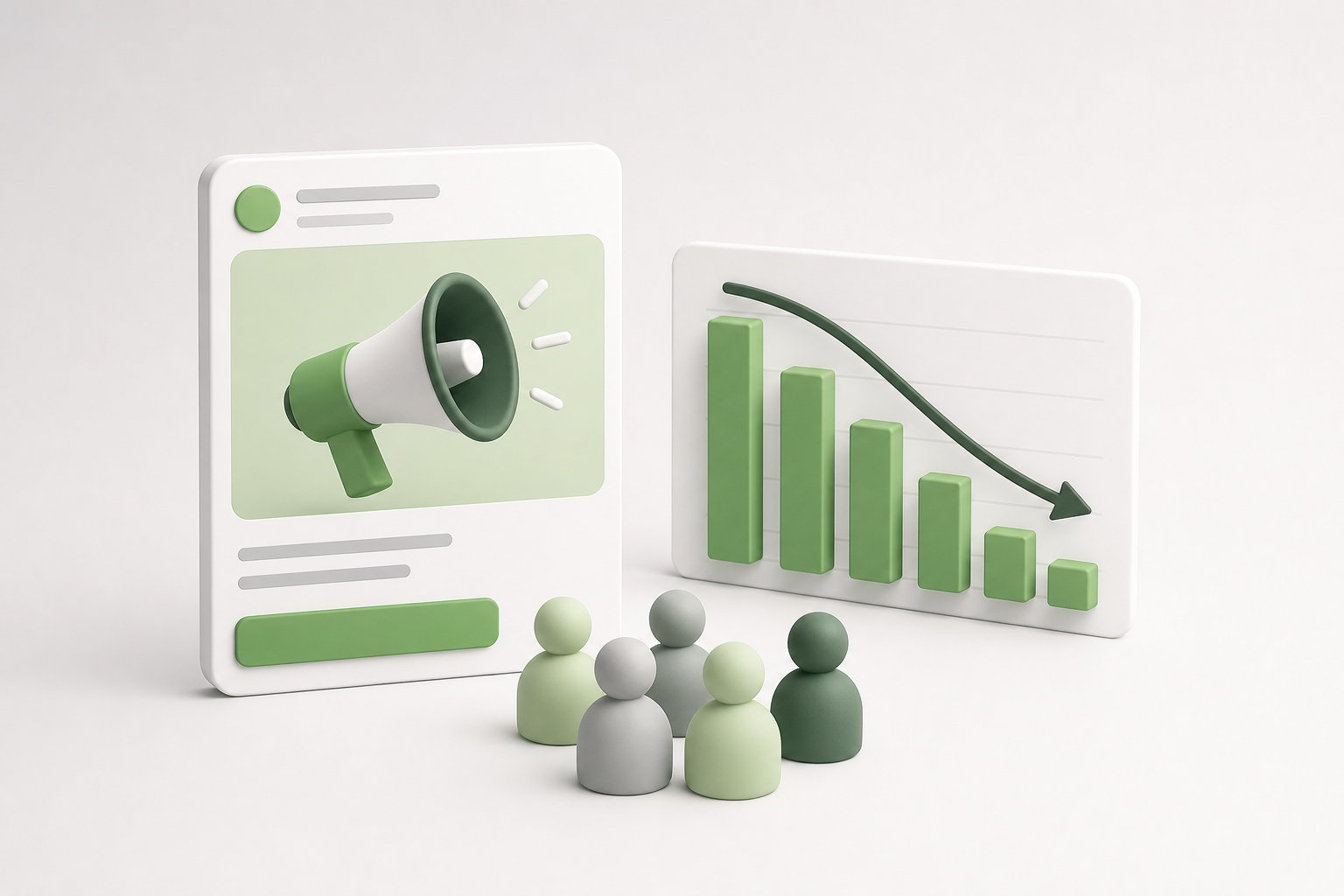
Ignoring target audience issues in AI ad management tools leads to declining conversion rates, wasted ad spend, and brand fatigue. When automation targets irrelevant users, delivery algorithms prioritize cheap impressions over qualified buyers, driving up customer acquisition costs and eroding campaign profitability across your Meta ad account.
Low conversion rates and profit loss
When automated targeting selects mismatched demographics or broad placements without proper guardrails, your ads reach consumers with zero intent to purchase. Conversion rate is the percentage of ad clicks or visits that result in a completed desired action, such as a sale or lead form submission. As irrelevant users scroll past or click out of curiosity without buying, your conversion rate drops sharply. This outcome depresses ROAS (return on ad spend), which is the total revenue generated divided by the total advertising spend. Over time, diminished returns leave your business absorbing high media costs while producing insufficient gross margin to sustain customer acquisition.
Inefficient use of budget
Meta Ads Manager relies on machine learning to distribute spend toward available auction inventory based on the selected performance goal. Without precise targeting constraints, the bidding algorithm funnels your daily budget into low-cost placements that deliver impressions rather than sales. CPA (cost per acquisition) is the aggregate ad spend required to generate one paying customer. When algorithms target unresponsive users, your CPA inflates rapidly because your budget burns through thousands of impressions without triggering purchase events. For example, consider an online specialty coffee roaster spending a 1,000 TL daily budget on Advantage+ shopping campaigns. The automated setup broadens the audience to general beverage drinkers, causing the cost per purchase to climb from 50 TL to 180 TL. To fix this, the advertiser applies custom audiences of past coffee bean buyers as an existing customer budget cap in campaign settings and limits demographic age brackets to 25–55. Following this change, the advertiser monitors the cost per purchase and conversion rate in Meta Ads Manager over the subsequent fourteen days to verify that delivery focuses strictly on dedicated coffee enthusiasts.
Negative impacts on brand image
Irrelevant ad delivery damages consumer sentiment. Frequency is the average number of times each unique user sees your ad over a specific reporting window. When AI ad systems circulate the same messaging repeatedly to disinterested prospects, those users register ad fatigue and report the creative as spam or hide it in their feeds. These negative feedback signals lower your account quality ranking in Meta auction diagnostics, forcing your account to bid higher amounts simply to win ad placements. Furthermore, displaying inappropriate product offerings to incompatible user segments makes your brand appear disorganized or intrusive.
What long-term losses might I incur?
Ignoring target audience issues causes permanent account penalties, skewed pixel data, and customer churn. When Meta records persistent negative user signals, your ad account incurs higher baseline CPMs across future campaigns. Meanwhile, your Meta Pixel collects low-intent audience data, corrupting retargeting pools and lookalike models for months. Ultimately, your business loses market share to competitors who run disciplined, highly targeted campaigns.
How can I solve these issues?
You can solve target audience issues in AI ad management tools by combining manual audience analysis, structured campaign controls, and competitor research. Auditing conversion data, setting explicit demographic guardrails, and feeding qualified customer lists into machine learning algorithms stabilizes ad delivery and ensures automated tools target high-intent purchasers.
Conduct audience analysis
Resolving audience drift starts with examining first-party data rather than letting automated models guess your customer profile. Review the breakdown reports in Meta Ads Manager by age, gender, region, and placement to uncover segments generating high ad spend with zero purchases. Next, build custom audiences, which are targeting groups created from your own customer data such as email lists, website visitors, or video viewers. Feed these verified purchasers back into Meta Ads Manager as seed lists. Then, establish negative targeting lists to exclude users who have already converted or who fall outside your shipping boundaries, preventing automated systems from chasing invalid prospects.
Use AI-driven tools
Rather than relying on opaque platform defaults, use purpose-built AI tools to establish structured campaigns aligned with your product value. For example, Adsaify analyses a business from its website URL or a short description to draft campaigns complete with recommended audience settings, ad copy, creative suggestions, and budget allocations. Once published to your own Meta ad account, the platform provides automation rules, such as pausing underperforming ads that breach target performance thresholds. Advertisers retain control over their parameters while automation handles operational optimization.
Develop strategies with competitive analysis
Audit competitor positioning using Meta Ad Library to identify which audience hooks succeed across your niche. CPM (cost per mille) is the cost an advertiser pays for every one thousand impressions of an ad. By assessing your rivals' messaging, you can identify unaddressed segments and refine your value proposition to achieve stronger click-through rates and lower CPMs. Follow this step-by-step optimization sequence to align your automated campaigns:
- First-party audit — Extract transaction records and web analytics to define core customer profiles before enabling any automated campaign setting.
- Seed audience build — Upload customer purchase lists to Meta Ads Manager to generate refined source audiences for algorithmic matching.
- Exclusion rule setup — Configure demographic boundaries and exclude past 30-day purchasers in ad set settings to stop budget waste on converted users.
- Campaign generation — Draft ad copy, creative assets, and initial targeting parameters using structured AI campaign builders.
- Diagnostic review — Check Meta delivery diagnostics after three days to confirm that delivery aligns with profitable audience segments.
- Threshold rule activation — Apply automated monitoring rules to pause ads that fail minimum conversion metrics, preserving ad spend for high-performing variations.
Which tools should I use?
You should combine Meta Ads Manager, Meta Ad Library, web analytics platforms, and AI campaign builders. Use Meta Ads Manager to set conversion exclusions and inspect audience breakdowns. Pair this with Meta Ad Library to track competitor creative strategies. For initial setup and ongoing control, leverage AI campaign tools like Adsaify to generate audiences and enforce automated pause rules based on performance.
If you would rather not set up each of these steps by hand, try it in Adsaify: your first ad is free, so there is nothing to lose. Create a free account.
What should I prepare and check before applying it?
Before applying an audience fix in an AI ad management tool, performance marketers must audit historical audience performance, confirm conversion tracking integrity, and establish clear competitor reference points. Preparing verified conversion signals, checking Business Manager permission levels, and reviewing demographic baselines ensures that the automated system optimizes toward genuine prospects rather than misattributed data.
Review existing audience data
Auditing historical delivery in Meta Ads Manager reveals how past campaigns actually reached users. Open the Events Manager to verify the operational health of the Meta Pixel, which is a snippet of tracking code deployed on a website to record visitor actions, and the Conversions API, which is a server-side connection that transfers web event data directly to Meta. Within Meta Ads Manager, review existing Custom Audiences, which are targeting groups built from proprietary customer records or web interaction histories. Open the Breakdown menu and filter previous campaigns by Age, Gender, and Placement to identify demographic segments that historically generated conversions versus those that inflated spend without returning sales.
Conduct competitive analysis
Analyzing competitor campaigns establishes realistic creative and targeting baselines. Open the Meta Ad Library to inspect the active advertising materials of direct competitors in your niche. Observe their core value propositions, creative formats, and user hooks to determine which customer desires they prioritize. Identifying whether competitors target broad mass-market appeals or narrow interest-specific pain points helps you evaluate whether the audience parameters suggested by an AI ad tool match current competitive standards.
Check the requirements of the AI tool
AI ad tools require specific data inputs and asset access levels to function correctly without algorithmic errors. In Meta Business Manager, confirm that the tool possesses standard advertiser permissions for your ad account, pixel, Facebook Page, and Instagram account. Platforms such as Adsaify inspect a destination landing page to extract thematic context and audience intent. Advertisers can complete their Adsaify registration, connect their Meta account, and verify that their website URL contains active, indexable metadata describing products, pricing, and service terms before campaign generation.
- Audit conversion event firing in Meta Events Manager using the Test Events tool.
- Export top-performing demographic segments from the Meta Ads Manager Breakdown menu.
- Review active competitor messaging strategies inside the Meta Ad Library.
- Confirm partner asset permissions in Meta Business Manager for the AI platform.
- Exclude past 180-day purchasers from cold audience acquisition structures.
- Verify that the landing page URL contains accurate product descriptions and visible prices.
How can I conduct data analysis?
To conduct data analysis, open Meta Ads Manager, select a rolling 90-day reporting window, and apply the Breakdown menu by demographic and placement dimensions. Compare the Cost Per Acquisition (CPA is the total ad spend divided by conversion count) across age groups, placements, and geographic regions against your gross profit margins. Identify segments where ad frequency exceeds 3.0 alongside declining conversion rates, and isolate these underperforming segments so your AI platform excludes them from future campaign drafts.
How to implement a worked example to solve this issue?
To solve audience issues through a practical workflow, performance marketers systematically export verified customer records, feed clean operational inputs into an AI management platform, and apply strict algorithmic guardrails. Following this sequential implementation ensures AI-generated ad sets target qualified prospective buyers while automated rules protect the daily advertising budget from audience fatigue.
Gather audience data
The implementation begins by isolating verified customer interactions to form definitive seed and exclusion lists. In Meta Events Manager, pull verified purchase logs from the preceding 90 to 180 days to compile a high-intent seed file. Convert this list into a Customer List Custom Audience within Meta Ads Manager so that cold acquisition sets can explicitly exclude existing buyers. This step prevents automated ad sets from wasting budget on converted users while providing clean data for building a Lookalike Audience, which is a targeting group composed of new users who share behavioural traits with your existing customer list.
Analyze with the AI tool
Input the destination website URL into Adsaify to let the system evaluate commercial messaging, product catalog items, and brand positioning. Adsaify processes the website content to draft initial campaign assets, including audience demographics, interest recommendations, ad copy variations, and recommended budget splits. Within the tool interface, the marketer reviews these suggestions, assigns the campaign to the user's connected Meta ad account, and configures automated performance rules. For example, the marketer sets an automation rule to pause any ad automatically if its acquisition cost exceeds a designated threshold.
Evaluate results and develop strategy
For example, an e-commerce brand selling specialty coffee beans operates with a 500 TL daily budget. The brand previously struggled with an AI setup that targeted broad food-and-beverage interests, leading to an elevated CPA of 190 TL. The marketer adjusted the strategy by excluding past 60-day purchasers and providing the domain URL to Adsaify. The AI tool drafted an acquisition structure focused on artisanal coffee and specialty espresso interests, narrowed to users aged 25 to 54.
The marketer set an automation rule in Adsaify to pause any ad set where CPA exceeded 95 TL once spend reached 190 TL. Over a 14-day test period, the marketer monitored results in Meta Ads Manager. The refined targeting and automated pause triggers stabilized delivery, lowering the CPA to 76 TL and increasing ROAS (return on ad spend is gross revenue generated divided by ad spend) from 1.3 to 3.1.
How can I create a sample data set?
To create a sample data set, export a sanitized CSV file containing at least 1,000 verified purchase records from your e-commerce system, including email addresses, phone numbers, and gross order values. In Meta Ads Manager, navigate to the Audiences dashboard, select Create Audience, choose Custom Audience, and select Customer List. Upload the file using Meta data-mapping fields to establish a benchmark data set for testing algorithmic lookalike accuracy against cold targeting.

What are the most common mistakes and how to avoid them?
The most common mistakes in managing AI ad audiences are launching campaigns without server-side tracking, restricting delivery with conflicting demographic exclusions, and stopping tests before collecting sufficient conversion volume. Marketers avoid these pitfalls by validating Meta Conversions API events, using broader targeting parameters, and testing audiences across structured seven-day observation windows.
Incorrect Results Due to Data Gaps
Data gaps occur when Meta Ads Manager fails to receive user activity from an advertiser's digital storefront. CAPI (Conversions API) is a Meta tool that shares customer actions directly from a business server to Meta Ads Manager rather than relying solely on browser cookies. When an advertiser relies exclusively on browser-based pixel tracking, ad blockers and browser privacy restrictions drop critical purchase signals. As a result, the delivery algorithm optimizes toward users who generate untracked impressions rather than actual buyers. Advertisers must inspect the Events Manager Diagnostics tab weekly and maintain an Event Quality Match score above 6.0 to ensure targeting models receive complete data.
Mis-Targeting Strategies
Mis-targeting strategies happen when campaign operators constrain Meta machine learning systems with narrow interest stacks, duplicate exclusions, and competing ad sets. Stacking multiple niche interest groups inside an Advantage+ audience setup forces the algorithm into smaller, high-cost auction pools. When an advertiser runs multiple ad sets targeting similar custom audiences simultaneously, internal auction overlap occurs, driving up CPM (cost per mille, which is the cost per one thousand ad impressions). Marketers can avoid this friction by consolidating ad sets into broader audiences and giving the delivery algorithm freedom to locate potential customers based on creative engagement signals. When setting up automated campaigns via Adsaify, users can generate structured audience suggestions directly from their website content without manual interest stacking.
Insufficient Testing and Analysis
Insufficient testing occurs when performance teams edit ad sets before Meta's optimization model exits the learning phase. The learning phase is the period after campaign creation when the Meta delivery system tests different placements and audiences to stabilize performance. An ad set requires approximately 50 conversion events within a seven-day window to exit this calibration stage. Pausing, altering audiences, or adjusting budgets by more than 20% mid-week resets the learning process and distorts analytical conclusions. Advertisers must maintain consistent daily budgets, for example 500 TL per day per ad set, for at least seven uninterrupted days before drawing performance conclusions.
| Targeting Mistake | Observed Symptom | Meta Ads Manager Setting to Adjust | Recommended Corrective Action |
|---|---|---|---|
| Pixel-only tracking | Underreported purchases | Events Manager > Conversions API | Configure server-to-server tracking gateway |
| Hyper-targeted interest layering | Spike in CPM and slow spend | Ad Set > Audience Controls | Remove layered interests and enable Advantage+ |
| Internal audience overlap | Rising cost per acquisition | Ads Manager > Inspect > Auction Overlap | Consolidate overlapping ad sets into one campaign |
| Premature budget changes | Continuous learning phase status | Ad Set > Budget & Schedule | Hold budget steady until 50 conversions occur |
How can I track my mistakes?
Track audience delivery mistakes by reviewing the Inspect panel at the ad set level in Meta Ads Manager once per week. Monitor the Auction Overlap metric, the Learning Phase Progress bar, and the First-Time Impression Ratio to identify audience saturation or internal auction competition. In addition, compare your Meta Ads Manager purchase totals against your server-side commerce analytics weekly to confirm tracking accuracy, and verify that any active automation rules pause only non-converting ads rather than interrupting healthy ad sets.
How to measure whether the fix worked?
Marketers measure whether an audience fix worked by tracking conversion rate improvements, evaluating audience engagement metrics against competitive benchmarks, and reviewing audience comment sentiment. Successful campaign adjustments stabilize the cost per acquisition, exit the Meta learning phase, and maintain consistent return on ad spend across repeated delivery cycles without audience fatigue.
Monitor Conversion Rates
CVR (conversion rate) is the percentage of ad clicks that result in a completed transaction or lead. CPA (cost per acquisition) is the average advertising spend required to generate a single attributed conversion. Once an audience configuration is corrected, CVR should increase while CPA trends downward over a seven-to-fourteen-day observation window. Marketers should review the "Breakdown" menu in Meta Ads Manager by age, gender, and placement (such as Instagram Reels or Facebook Feed) to confirm that conversion increases are distributed across primary placements rather than isolated to low-quality peripheral inventory.
Check Competitive Analysis Results
ROAS (return on ad spend) is a metric that measures gross revenue generated per unit of currency spent on advertising. To evaluate competitive performance after fixing an audience, examine Meta's ad relevance diagnostics, which compare ad performance against competitors competing for the same demographic. These diagnostics include Quality Ranking, Engagement Rate Ranking, and Conversion Rate Ranking. When audience alignment improves, the Conversion Rate Ranking in Meta Ads Manager rises to "Average" or "Above Average," demonstrating that the adjusted audience converts at parity with or better than competing advertisers targeting identical customer profiles.
Evaluate Audience Feedback
Audience feedback consists of public comments, direct shares, and negative engagement actions like hiding ads on Instagram and Facebook. Poor targeting configurations often attract irrelevant user comments or reports from consumers outside the product's shipping zone or purchasing power. After correcting audience exclusions and geographic targeting boundaries, review the comment stream on your active ad posts. Increased relevance shows up as inquiries about product features, positive social proof, and lower hide-ad rates, validating that the algorithmic delivery is matching your creative message with qualified prospects. Marketers can check these campaign adjustments by accessing their accounts through Adsaify to monitor how creative variations perform alongside audience updates.
- Verify that the ad set status in Meta Ads Manager has transitioned from "Learning" to "Active."
- Calculate CPA over the last seven days to confirm it sits below your historical baseline.
- Check the Meta Conversion Rate Ranking column to confirm a rating of "Average" or "Above Average."
- Inspect the Events Manager Diagnostics tab to verify zero active server-side error warnings.
- Examine the Auction Overlap metric in the Inspect tool to confirm overlap remains below 20%.
- Review recent ad comments to confirm users match the intended customer persona.
How can I report success?
Report campaign success by exporting seven-day and thirty-day comparative data from Meta Ads Manager into a structured summary for stakeholders. Present the baseline CPA, ROAS, and Conversion Rate side by side with post-fix metrics to highlight percentage changes. Include confirmation that the ad set successfully completed the learning phase, note the reduction in auction overlap, and present ad relevance diagnostic ratings to demonstrate that delivery efficiency improved across competing auction environments.
Conclusion and Next Steps
Resolving audience targeting issues requires a structured workflow. First, audit your tracking pixels and catalog data to ensure the AI receives accurate conversion signals. Second, divide your audience strategy into distinct prospecting and retargeting segments so the delivery algorithm does not cross-pollinate intent groups. Third, align tailored creative assets with each specific audience group. Finally, deploy automated rules to halt ads with declining metrics before ad spend is wasted.
Take action today by reviewing your active Meta ad sets to spot audience overlap or runaway ad spend. You can connect your website URL to Adsaify to generate a structured campaign draft featuring suggested audience segments, tailored copy, and automated pause rules. Setting up your first free trial ad lets you observe how automated targeting functions against your baseline metrics without upfront software expense.
Want to see this in your own account? Enter your website address and Adsaify drafts the campaign for you. The first ad is free. Try it now or log in.
Frequently Asked Questions (FAQ)
1. What are the best tools for target audience issues?
The best tools combine Meta Ads Manager's native delivery data with AI campaign platforms that draft and optimize audiences. For example, Adsaify analyzes your website URL to suggest audience parameters and ad copy, while Meta's native pixel tracks user behavior. Combining automated drafting tools with robust analytics platforms like Google Analytics allows you to identify audience mismatch and refine demographic parameters effectively.
2. What is the cost of AI ad management tools?
The cost of AI ad management tools varies depending on whether platforms charge flat monthly software subscriptions, percentage-of-ad-spend fees, or tier-based access. These software fees remain separate from your paid media budget spent directly on advertising networks like Meta. Some platforms offer free trials; for instance, Adsaify allows users to draft and publish their first campaign for free before subscribing.
3. How can I segment my audience?
Segment your audience by categorizing prospects according to their stage in the customer funnel. Create cold prospecting groups using broad interest targeting or lookalike models, and separate them from warm retargeting groups composed of previous website visitors or past purchasers. Maintaining distinct ad sets for cold and warm audiences prevents budget cannibalization and lets you deliver messaging tailored to each group's level of brand awareness.
4. How reliable are AI tools?
AI tools are highly reliable for data analysis, drafting campaign structures, and applying conditional automation rules like pausing unprofitable ads. However, their output depends strictly on the quality of input data, such as tracking signals and product descriptions. Human oversight is always necessary because AI tools do not automatically redesign poor creatives mid-flight or understand external market shifts without updated user prompts and guidance.
5. How long does it take to resolve these issues?
Resolving audience targeting issues typically takes between several days and a few weeks. The Meta delivery algorithm requires a learning phase of approximately 50 conversion events per ad set to stabilize optimization. While diagnostic adjustments and rule-based pauses take effect immediately upon deployment, observing statistical improvements in cost per acquisition requires running revised audience segments consistently across multiple business cycles.
6. What resources can I turn to for help?
You can turn to Meta Business Help Center documentation for official delivery guidelines, ad policies, and pixel implementation standards. Digital advertising communities and platform-specific knowledge bases also provide troubleshooting workflows for audience overlap and algorithmic fatigue. Additionally, reviewing conversion event logs in Events Manager and checking tool diagnostics within your campaign dashboard offer direct technical guidance on audience health.
7. What data should I use for audience analysis?
Use first-party conversion data from your website tracking pixel, e-commerce transaction logs, and customer relationship management databases. Key metrics include purchase frequency, average order value, bounce rates, and demographic breakdowns. Combining these internal records with ad platform delivery signals allows you to build accurate seed audiences for lookalike modeling and prevents the AI from targeting low-intent consumer segments.
8. How can I measure success?
Measure success by tracking conversion-oriented performance metrics rather than vanity signals. Key indicators include ROAS (return on ad spend, the revenue generated divided by ad spend), cost per acquisition, conversion rate, and frequency. A sustained decrease in acquisition costs alongside stable frequency indicates that your audience targeting is reaching responsive prospects without inducing rapid ad fatigue across your selected audience segments.
How can you try this with Adsaify?
The quickest way to apply the steps in this article to your own account is to try them. Adsaify analyses your business from your website address, drafts the campaign with an audience, ad copy, creative and a budget suggestion, and publishes it to your own Meta ad account once you approve.
- Your first ad is free: there is nothing to lose by trying.
- Your own ad account: the campaign runs in your Meta account and you stay in control.
- Images and video: generate ad creatives with AI or promote an existing Instagram post.
Create a free account and try your first ad · Already have an account? Log in.